Adaptive onboarding replaces the fixed product tour with a system that reads what someone is doing right now and answers only that. Once behavior shows the user understands, the guidance disappears. And when repeated hints fail, the system hands the account to a human CSM with the full trail attached.
Product tours teach people in the wrong order.
They explain features up front, before the user has hit the problem that would make the explanation mean anything, and by the time the problem shows up, the walkthrough is long gone.
A new user clicks through three slides, reaches the one screen they actually came for, and closes the whole thing. Two weeks later they open a ticket about that exact screen.
AI customer onboarding solves a narrower problem than most teams assume. It leaves the tour’s looks alone and skips the checklist rewrite entirely. The work happens one level down, in what makes guidance appear in the first place, how much it says when it does, and whether it ever goes away.
Where Fixed Tours Lose People
Picture a billing platform. Say a revenue ops manager has to set a proration rule for a mid-cycle upgrade.
In plan settings, she spots a toggle, “prorate on change,” and flips it. Up comes a second field she wasn’t expecting: proration basis, daily or monthly. She doesn’t know which one her finance team wants, and the tooltip says “select a proration basis.”
She backs out. She opens the docs in a new tab. She searches “proration.” She gets a 1,400-word page covering four billing models, three of which don’t apply to her plan tier.
Nothing in that sequence was broken. The tour worked, the docs existed, the tooltip appeared. She still left the screen without doing the thing she came to do.
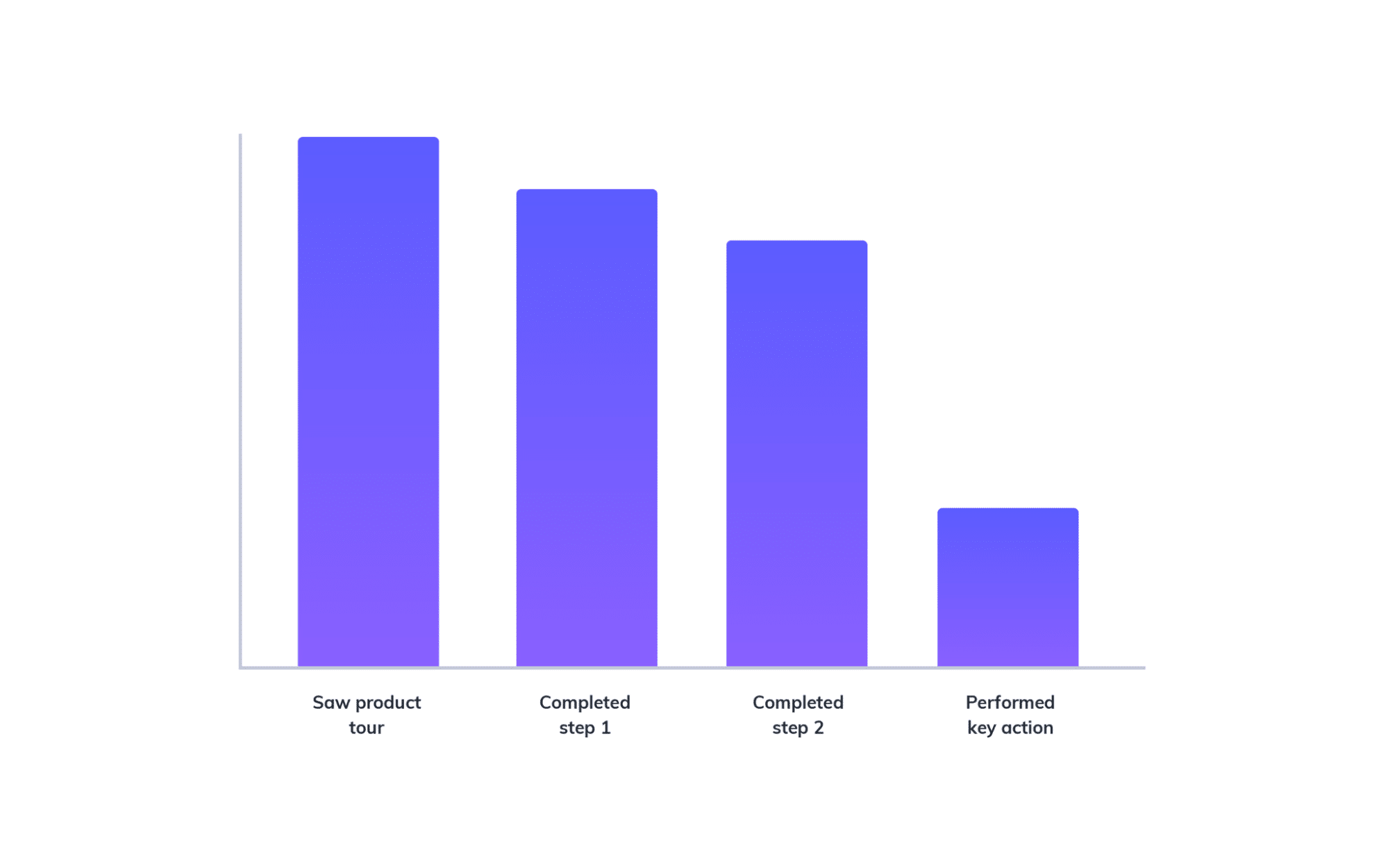
That’s the gap. A fixed tour fires on a schedule the product chose, not the moment the user needs help. The bigger miss is who it’s built for — one averaged-out user who doesn’t actually exist. An admin on their way to set up SSO sees the same thing as the analyst who never leaves the export screen. Day 3 gets treated like day 40.
What The System Reads First
Before an adaptive system says anything, it has to decide that someone’s actually stuck. How is this decided?
The behavioral signals are unglamorous and specific:
- A form the user abandons at the same field twice in one session
- Rapid clicking on an element that doesn’t respond the way the user expects
- Opening a settings panel, scrolling, and closing it within a few seconds, twice
- A help search they type, then abandon without opening a result
- Bouncing between two screens in a loop
Someone who opens webhook settings, scrolls, and leaves once is browsing. That’s fine. But someone who does it three times in five minutes has a problem.
All of this is behavioral data (form fields, clicks, dwell time), so it should be collected with the user’s consent and governed by the same privacy terms that cover the rest of the product.
Gregor Emmian, DCDGO at Rise, a trading platform that moves new users from signup into a funded live account, agrees.
He says,
“The signal people miss is the difference between hesitation and confusion. A new trader who sits on the order ticket for ninety seconds is thinking about the trade. One who opens it, closes it, and reopens it four times doesn’t understand what the margin field is asking for. Those look identical in a session recording, and they need opposite responses.”
Then the system layers on what it already knows about the account:
- Role, first. A billing admin and a support lead need different answers to the same click.
- Plan tier, second, because half of what a tour explains sits behind an upgrade the user can’t buy.
- Lifecycle stage, third. A day-2 user who stalls on the import screen needs the basics. A day-90 user who stalls on the same screen probably hit a real edge case, and a beginner tooltip will insult them.
None of this requires an exotic data model. Most teams already have this sitting in their customer success platform. In Custify, it’s the health scores and lifecycle tracking already running against every account. The work is wiring those attributes into the moment of the stall.
Twenty Seconds, Not Twenty Slides
Once the system knows someone’s stuck on feature X, it owes them one thing: the shortest true answer that unblocks the next click.
Twenty seconds is a useful ceiling. Roughly forty to sixty words, one screenshot at most, no numbered sequence longer than three steps. Back to the proration example, the right response reads something like this:
“Daily basis charges for the exact days used. Monthly basis charges for the full month regardless of upgrade date. Most SaaS teams on annual contracts pick daily. You can change this later in Plan Settings.”
That’s it. No history of proration models. No link to a doc hub. It names the decision, gives a default, and tells her the choice isn’t permanent.
Two ways to produce that answer. The system selects it from a library your team wrote, or it generates it from your documentation at request time.
Selection wins for anything with numbers, limits, or compliance language. Generation wins for the long tail of screens nobody had time to document. Retrieval should sit under both, so the model summarizes your actual docs instead of guessing at your product’s behavior.
Teams that skip this constraint end up with a tooltip that reads like a blog post. Users close it without reading, and the next one too.
Relevance Beats Coverage
Product marketing wants users to know everything the product does. But onboarding should want the opposite.
The rule is this: show the two things that unblock the current task.
Hide the rest until the user’s behavior asks for it. The reason is simple.
A solo consultant on a starter plan doesn’t need an SSO walkthrough. A finance manager who lives in the export screen doesn’t need the API section. The moment onboarding starts covering the feature map, it becomes marketing, and people read it that way.
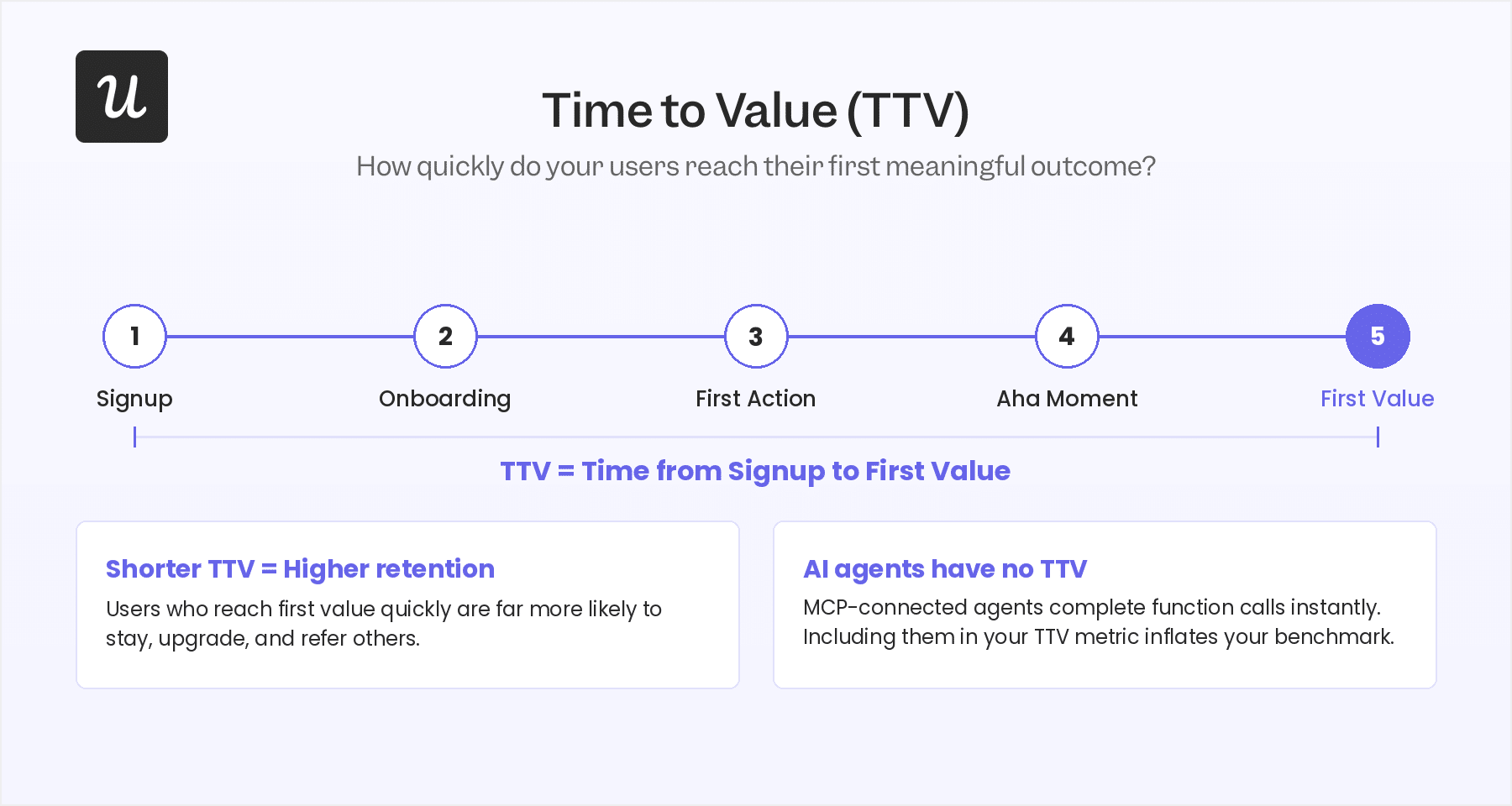
This is also where teams recover credibility they’ve already spent. If every tooltip in your product has earned a click for the last six months, users have learned that tooltips waste time. Relevance is how you buy that attention back.
Worth checking your own onboarding and retention benchmarks against what actually moves activation before you decide which flows deserve to survive.
Memory Is The Whole Trick
An adaptive system that forgets is just a tour with better timing.
If a user built one automation last Tuesday, the second automation should trigger a single line pointing at the one field that differs. If someone dismissed the same hint three times, the system should read that as a decision, not an accident, and stop offering it.
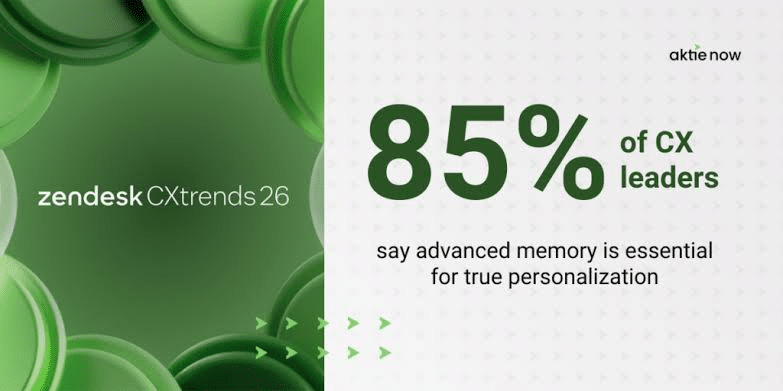
Customers notice when software fails at this. Zendesk’s 2026 CX Trends research found that 81% of consumers want service that picks up where they left off, and 74% grow frustrated when they have to repeat information.
Nobody’s expectations reset at the product boundary. Customers judge the in-app experience by the same standard as the support conversation.
Track memory at the user level, not the account level. Accounts don’t learn. People do. When a new hire joins a customer that’s been live for eighteen months, that person needs day-1 guidance inside a mature account, and account-level suppression rules will starve them.
Knowing When To Stop
Guidance has to retire itself when behavior shows comprehension.
So what comprehension looks like, concretely?
- The user completes the action without opening any guidance
- The second attempt takes noticeably less time than the first
- No help search follows the action within the session
- The user repeats the action on a different record or project
Two clean repeats without assistance are a reasonable bar for most workflows. Hit it, and the system marks that flow as learned and stops showing it. Permanently, for that user, until something changes.
The cost of skipping this rule compounds fast. Every unnecessary tooltip teaches users that your overlays don’t contain anything worth reading.
Once that habit forms, your critical warnings inherit the same fate, and users dismiss the migration notice that actually mattered in half a second, alongside everything else. Teams then respond by making the overlays bigger and harder to close, which accelerates the problem.
Stopping needs a reopen condition too. When you redesign the screen, change a default, or move a field, the suppression should lift for that flow, and the system should offer one short note about what moved. Not the original walkthrough. A note.
When To Hand It To A Human
Automation has a failure mode, and the system should recognize its own.
A clean escalation rule: two guidance attempts on the same blocked action inside one session, or the same blocked action across three separate sessions. Either pattern means the explanation isn’t the problem. Something else is. A permissions issue, a data problem upstream, a genuine product limitation, or a user who needs a conversation rather than a card.
What reaches the CSM matters as much as the trigger. “User needs help with imports” wastes everyone’s time. The useful version carries the trail: the account and named user, the exact action they attempted, the guidance the system already showed, how many times, and what the user did afterward.
That way the CSM opens the conversation somewhere past the tooltip, instead of restating it and burning the customer’s patience.
Bryan Henry, President of PeterMD, a telehealth provider running men’s health programs entirely through its own patient platform, sees the same pattern.
He says,
“Our support team used to open every conversation by restating the instructions the patient had already read twice. Now the handoff carries what the patient tried and what the platform already told them, so the first message from a human adds something new. That single change cut the length of those conversations almost in half.”
Route it as a task with an owner and a due date, not an alert in a channel. A customer success platform that connects adoption signals to CSM action makes this routing a configuration problem instead of an engineering project.
One more rule, and teams break it constantly. Escalation should also fire on high-value silence. An enterprise account whose admin stopped configuring halfway through week one won’t rage-click. They’ll just stop. Adaptive systems tuned only for friction miss the accounts that leave.
Chuck Schaeffer has watched this play out from the rescue side. As Co-Founder and CEO of AVTEC, he’s brought in to fix Salesforce rollouts that stalled on adoption rather than technology.
He notes,
“Half the Salesforce rollouts we get called in to rescue didn’t fail with a bang. Nobody complained, nobody filed a ticket. The admin just stopped logging in around week two, and three months later leadership decides the whole platform was a mistake. The dangerous one is never the user clicking around angry. It’s the account that goes silent, and nobody notices until renewal.”
What To Measure
Tour completion rate tells you almost nothing. People finish tours by clicking Next.
Better numbers:
- Time to first successful action per feature, not per account
- Unassisted second completion rate, which is the real comprehension metric
- Suppression rate, meaning the share of flows the system has retired because users learned them
- Ticket volume on guided features, tracked before and after
- Escalation precision, meaning how often a handoff turned out to be a genuine blocker
- If suppression rate stays near zero after a few months, your comprehension detection isn’t working, and the system is just a smarter nag.
Where To Start
Pick one feature. The one that generates the most tickets, or the one that sits between signup and activation and swallows the most people.
Instrument the stall signals for that feature only. Write the twenty-second answers by hand, because your CSMs already know them and can produce twelve of them in an afternoon. Ship selection logic before generation logic. Get the timing and the stopping rules right on one flow, then widen.
Teams that reverse this order usually spend a quarter pointing a model at 200 screens, launch something that fires everywhere, and turn it off. The tooling you choose matters far less than whether you can answer one question for every guidance moment in your product: what does this user need to do next, and what have they already proven they understand?
Where Custify Comes In
Everything above is something a team builds. No platform ships it as a button you flip on. The stall detection, the twenty-second answers, the comprehension tracking are all specific to your product and your screens.
What a platform like Custify gives you is the ground it stands on. The health scores, lifecycle stages, and adoption signals that tell a guidance system who’s stuck, what they’ve done before, and which accounts have gone silent already live in the platform, tied to the customer and ready to act on. The moment-of-stall logic is yours to design. The customer context it depends on doesn’t have to be built from scratch.
If you’re mapping out where in-app guidance should go next, start with what your customer success data can already tell you about where users get stuck and which accounts are drifting. See how Custify tracks customer health and lifecycles.